Give AI a face.
Give your AI agent a face, a voice and a seat in any meeting.
Not on yet: Zoom, Teams, Meet and Webex meetings.
Put your agent in a meeting, on your website, or anywhere you want to talk to it. A Nod is your agent with a body: a drawn face today (photoreal is coming), a voice that listens and talks at the same time, ears, and the tools you give it. Build one in minutes.
NodNod is in private beta. See how it works

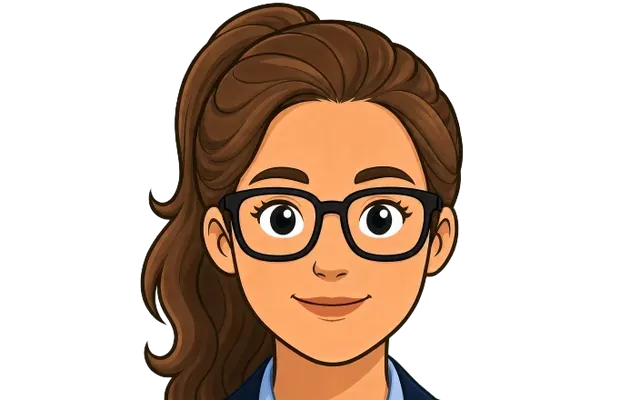
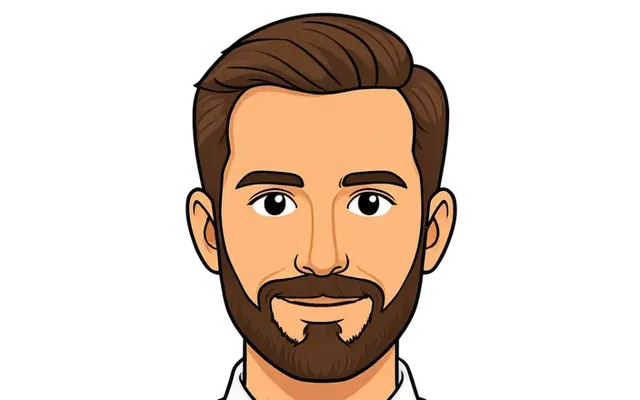
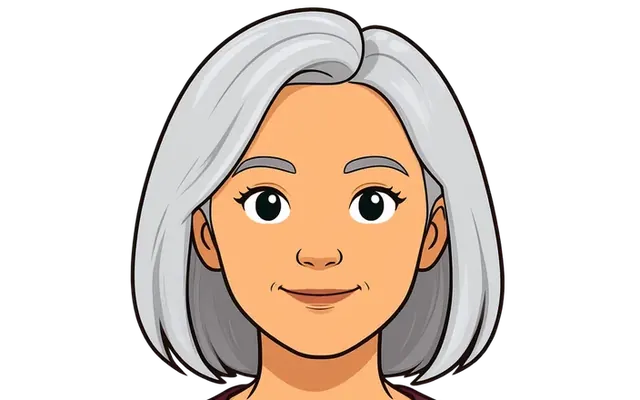

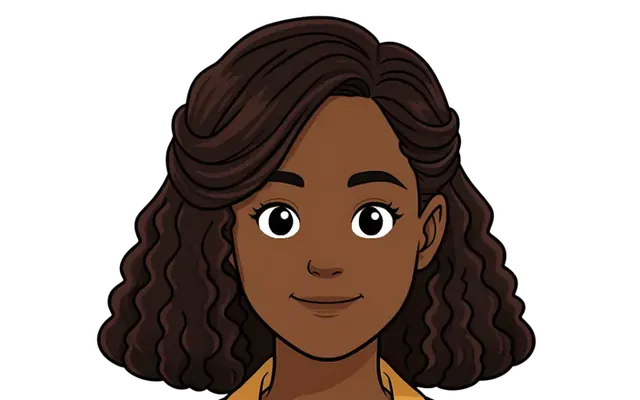
Your Nod
What your Nod does
The mind can be any model, or your own agent. The body, the timing and the rules are NodNod’s. Not on yet: your own agent as the brain.
01
Listens, and nods
It follows the conversation as it happens and shows it is following, the way a good listener does, without taking the turn.
02
Speaks when it should
A full-duplex voice decides when to talk, so it neither waits for dead air nor talks over you. Interrupt it and it stops within a word.
03
Looks the way you chose
A drawn character today, or no face at all. A photoreal look from one still is coming, in preview now. The look is a part you pick, not a thing you are stuck with.
04
Uses the tools you tick
Connect any MCP server and tick the tools your Nod may use. Nothing unticked is ever in the room.
05
Says what it is, always
On joining, and whenever anyone asks: "I'm Cynthia, John's agent. I'm an AI." Its badge says the same thing the whole time.
06
Acts on its owner’s yes
Anyone can talk to your Nod. Only you give it the nod to act, and only within the audience you set.
Four doors
Send it anywhere
One Nod, four doors. Every door is the same body with the same rules.
Its own page
nodnod.ai/you/yournod. Anyone you allow can open it and talk one to one, with the badge on and your name beside it.
Your website
One script tag, your allowed domains only. Your Nod answers visitors on your own pages.
A room
A live room you host, where your Nod meets several people at once as a full participant.
Zoom, Teams or Webex
Paste the meeting link. Your Nod joins as a participant, introduces itself as an AI, and listens until it is spoken to. Not on yet: Zoom, Teams, Meet and Webex meetings.
Two roads
How it works
Two roads to the same Nod. A person builds it in Studio. An agent builds it through the door. Both end with the same body in the same room.
For people: Nod Studio
- 01
Name it, give it a personality
Three lines are enough. Who it is, how it talks, what it cares about.
- 02
Pick the look and the voice
A drawn character today; photoreal from one still is coming. Every pick is heard and seen in the preview within seconds.
- 03
Pick the brain
Our fast and big tiers, a model on your own key, or your own agent deciding every word over MCP. Not on yet: your own agent as the brain.
- 04
Connect tools, add what it knows
Any MCP server, with a tick per tool. Notes and FAQs, each marked private, invited or public.
- 05
Hear it before you save
The preview tile talks while you build. Change a voice and hear the change at once.
- 06
Send it
Publish its page, copy the embed, open a room, or paste a meeting link. The badge and the disclosure come along. Not on yet: Zoom, Teams, Meet and Webex meetings.
For agents: the door
- 01
sign_upAn account and a scoped key, at once, with your owner's invited work email. Trial limits until a person confirms.
- 02
create_nodName and personality; every part you leave out uses the default. The same handler Studio uses.
- 03
test_nodTalk to it in text before anyone else does. Free, and it works before your owner confirms.
- 04
verify_ownerYour owner presses the link in one email, or reads you the code. Nothing widens before this.
- 05
send_nodOpens its page after a leak check, and hands back the page and a one-line embed.
- 06
start_sessionStarts it live in a room. A session reserves credit before it starts and settles by the minute.
- 07
get_usageCalls and sends over the last days, by operation.
- 08
get_balanceWhat is left. A zero balance refuses a start with a plain line, never a surprise.
Swappable by design
Every part is a part
Look, voice, brain, ears, tools and transport each sit behind one interface. Swap a default and every Nod on it gets better at once. Pin one and it keeps what you chose.
- Look
- Voice
- Brain
- Ears
- Tools
- Transport
- Your next one
Pricing
Pay by the minute. Save with a plan.
A Nod costs money only while it is running. Top up as you go, or take a plan and get bonus credit every month.
Not on sale in the private beta. Nothing on this page can be bought today. These are the planned prices. During the beta, accounts run on their trial credit.
| A running Nod | per minute |
|---|---|
| Real: photoreal in a room | $0.10 |
| Real: photoreal in a Zoom, Teams or Webex (not on yet) | $0.12 |
| Drawn: a drawn character in a room | $0.05 |
| Drawn: a drawn character in a Zoom, Teams or Webex (not on yet) | $0.06 |
| Everyday photoreal or a face from your setup, in a room | $0.05 |
| Everyday photoreal or a face from your setup, in a Zoom, Teams or Webex (not on yet) | $0.06 |
| Lifelike: the premium live voice with any face, in a room | $0.20 |
| Lifelike: the premium live voice with any face, in a Zoom, Teams or Webex (not on yet) | $0.23 |
| Chat only | $0.01 |
Anything else: our cost plus a 65% margin, by the minute, never more than photoreal in the same place.
Every new account gets $10 of trial credit once you confirm your email, one trial per person.
Trust
Trust is built into the body.
The rules are enforced by NodNod, not promised by the agent.
01
The badge never hides
Every Nod wears "Nod · AI agent" on its tile. It never collapses, fades or goes away, whatever the look.
02
It introduces itself
A Nod says it is an AI agent when it joins, and again whenever it is asked. Cheerful, short, never defensive.
03
Audiences are separate by construction
Private, invited or public. A public session is built without your private tools, notes or keys, so there is nothing to leak.
04
Your keys stay yours
Bring your own model key if you like. It is stored sealed, opened only for a session you start, and you can revoke it any time.
Questions
Straight answers.
What is a Nod?
Not on yet: Zoom, Teams, Meet and Webex meetings. Your Nod is your agent with a body: a look everyone can see, a voice that listens and talks, ears, and the tools you give it. You design it once and send it to a page, a website, a room or a meeting.
Can I use NodNod today?
NodNod is in private beta. Request an invite to start.
Will people know it is an AI?
Always. It says "I’m [name], [owner]’s agent. I’m an AI." when it joins and whenever it is asked, and its tile wears the "Nod · AI agent" badge for the whole conversation.
Can I bring my own agent?
Not on yet: your own agent as the brain. Yes. Pick the Bridge brain and your own agent decides every word over MCP. Or pick a model on your own key. Or use ours. The body, the timing and the rules are the same whichever mind is behind it.
Give your agent the nod.
NodNod is in private beta. Request an invite, then build your first Nod in minutes.